You want to send money urgently or buy airtime when your data runs out and boom, no internet! But what if you could do all that without an app, without data, and without stress? That’s exactly what the Fidelity Bank USSD code is for.
If you want to top up your phone, transfer money to friends, check your account balance, or handle everyday banking tasks, just a few taps on your phone is all it takes. No smartphone? No problem. As long as you have a mobile phone, you’re good to go.
In this guide, we’ll walk you through everything you need to know about using the Fidelity USSD code for airtime, transfer, and mobile banking.
What is the Fidelity USSD Code?
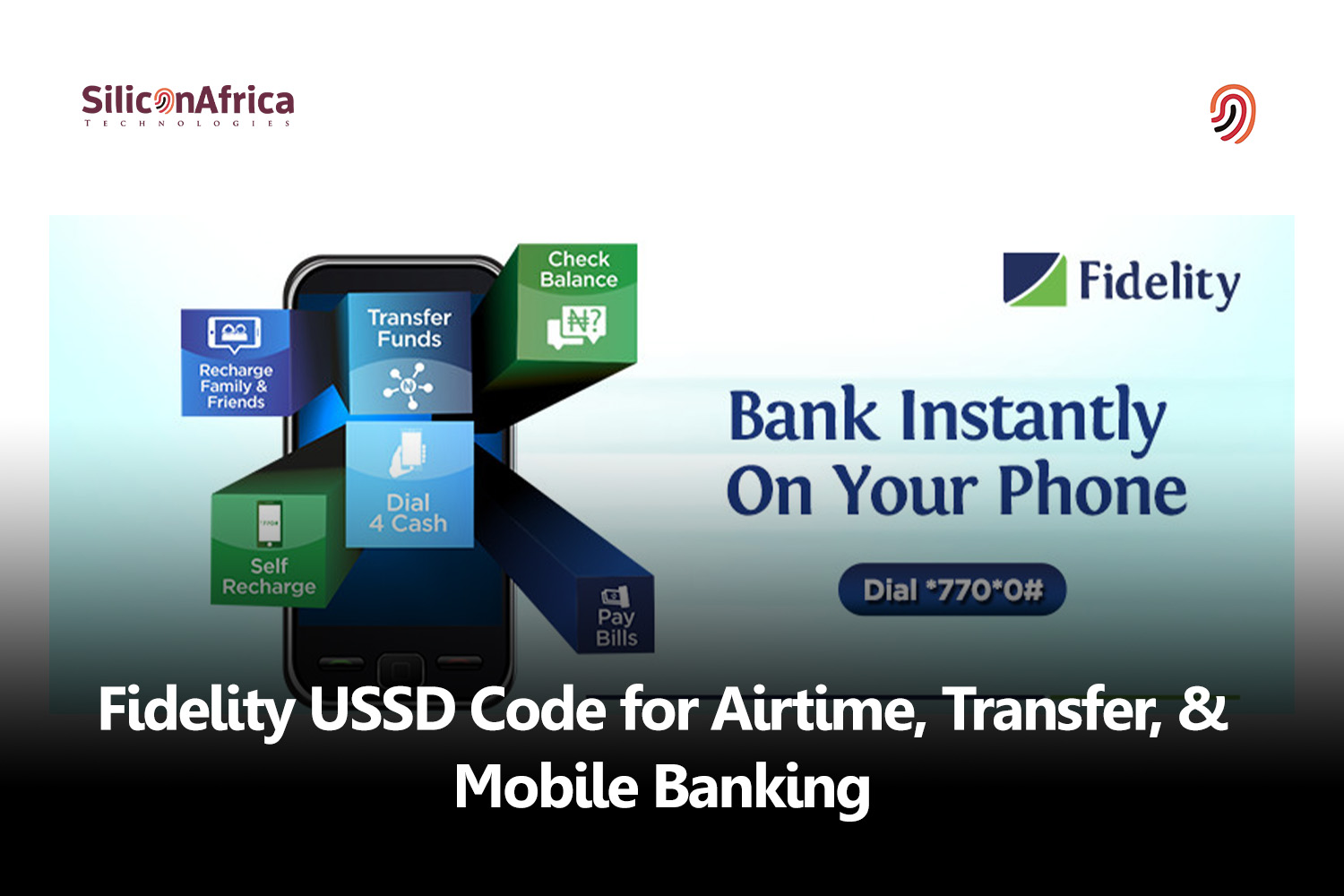
The Fidelity USSD code is *770#. The Fidelity USSD code is an easy banking option provided for customers of Fidelity Bank.
Customers mostly use the Fidelity Bank USSD code to make transfers. However, other transactions can also be carried out with the code, such as checking your balance, buying airtime, requesting a personal loan, and more.
These transactions can be made anywhere in the world with your mobile phone, by simply dialing *770#. This is why it is popularly known as #My770.
Also read: Ecobank USSD Code for Airtime, Transfer, & Mobile Banking
Features of Fidelity Bank USSD Code
Below are some common features of the USSD code for Fidelity Bank:
- You must have an active Fidelity bank account before you can use the Fidelity Bank USSD code
- The phone number you use to dial the USSD code for Fidelity Bank should be linked to your Fidelity Bank account
- If you have more than one account with Fidelity Bank linked to the same number, you will be asked which account should be charged
- A single transaction must not exceed N20,000, and your daily cumulative limit is N100,000
- For swift transactions, your mobile network must be fast and stable
- A small service charge is deducted from each transaction
- You do not need mobile data to access this service
Also read: FCMB USSD Code for Airtime, Transfer, & Mobile Banking
List of Fidelity Bank USSD Codes
Below is a comprehensive list of all Fidelity USSD codes for each transaction:
| Option | Fidelity USSD Code |
| Start | *770# |
| Transfer | *770*Recipient’s Account Number*Amount#. |
| Airtime (self) | *770*Amount# |
| Airtime (others) | *770*Number*Amount# |
| Check balance | *770*0# |
| Cardless withdrawal | *770*8*Amount# |
| Bills payment | *770*Merchant Code*Amount# |
| Open bank account | *770*01# |
| SMS and alerts | *770*2# |
| Update BVN | *770*02# |
Fidelity Bank USSD Code Usage
To use the Fidelity Bank USSD code, you need to have an active account with Fidelity Bank.
The code is available to Fidelity bank customers, and not non-customers.
The Fidelity USSD code can be used for inter-bank or intra-bank transfers, airtime or data top-ups, and other forms of mobile banking.
Also read: UBA USSD Code for Airtime, Transfer, & Mobile Banking
How to Activate Fidelity Bank USSD Code
To activate the Fidelity Bank USSD code, you need the following:
- An active Fidelity account
- A mobile phone
- An active number linked to your Fidelity bank account
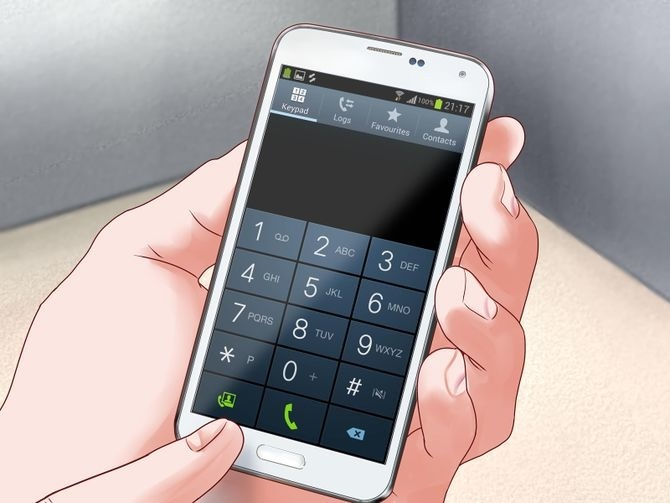
Once you have the requirements listed above, follow these steps:
- Dial *770# and select 0
- Put in your Fidelity Bank account number
- Create a personal identification number (PIN)
- Confirm the PIN and select 0
- You will receive a message on your registered number confirming the transfer code registration.
How to Block Fidelity USSD Code and Fidelity Bank Account
With “Fidelity Secure”, you can disable your USSD service by dialling *770*08012345678#
You can also block your Fidelity bank account via USSD. To do this, follow the steps below:
- Dial *770*911#.
- Input the phone number linked to your account.
- You will be asked to confirm if you want to block the USSD service or your bank account; click on bank account.
- Enter your USSD transaction PIN.
- Your Fidelity bank account will be blocked.
You can also block your Fidelity bank account from another number not linked to your bank account. Simply dial *770*YourNumber# and follow the steps.
Fidelity Secure guarantees that no one hacks into your bank account if your phone gets missing or hacked.
Also read: How to Borrow Money from PalmPay with USSD Code
How to Unblock Fidelity Bank USSD Code
Use *770*911#. to unblock your Fidelity Bank account USSD code. If, for some reason, you blocked your Fidelity Bank USSD code and want to unblock it, follow the steps below:
- Dial *770*911# from the phone number linked to your account.
- Select option 2.
- Enter your 4-digit PIN.
- Lastly, confirm the action.
What is Fidelity USSD Code For Transfer?
The USSD for Fidelity Bank is most commonly used for transfers.
The direct Fidelity USSD Code For Transfer is *770*Account number*Amount#. You can send money with this code to a Fidelity bank account or any other bank.
To do this, follow the steps below:
- Dial *770*Account number*Amount# using the mobile number linked to your Fidelity bank account
- Choose the recipient’s bank from the options provided
- Verify the recipient’s account name
- Enter your USSD code transfer PIN to complete the transaction.
Also read: How to Pay Back Access Bank Loan with USSD Code
Fidelity Bank USSD Code for Airtime
Buying airtime or mobile data via the Fidelity USSD code is one of the fastest ways to recharge your line.
Rather than stepping out in the sun just to top up your line, you can do it from the comfort of your home with the FIdelity USSD code.
Sometimes, you also run out of data and are unable to access your Fidelity bank app. Simply use the USSD code for Fidelity Bank to top up on data.
You can recharge airtime or data for yourself or a loved one with the USSD code for Fidelity Bank.
To recharge on the mobile number linked to your Fidelity Bank account, dial *770*Amount#. To recharge on another line, dial *770*Phone number*Amount#.
How to Borrow Money from Fidelity Bank with USSD Code
Fidelity Bank offers several loans to new and existing customers. These include:
- Fidelity Easy Access Leasing Scheme
- Fidelity Personal Loan Scheme
- Instant Salary Advance Scheme
- Fidelity Point of Transaction Loan
- Fidelity NYSC Loan
- Working Capital Loans
- Healthcare Finance
- School Financing
- Personal Mortgage, and more.
You can access any personal loan above via the Fidelity USSD code. Simply dial *770*08# and follow the steps as prompted. However, to access a business or mortgage loan, you must visit a Fidelity Bank branch.
Also read: LAPO USSD Code: How to Activate and Use it
How to Pay Back Fidelity Bank Loan with USSD Code
To pay back the Fidelity Bank loan, using the USSD code, dial *770*08# and select the ‘pay loan’ option.
How to Upgrade My Fidelity Bank Account using USSD Code
To upgrade your Fidelity Bank account using the USSD, dial the Fidelity Bank code and look through the provided options. You may have to visit the bank if you can’t find the account upgrade option.
Advantages of Fidelity Bank USSD Code
The USSD Code for Fidelity Bank boasts of the following benefits:
- It is fast; with a stable mobile network, it takes an average of 20 seconds to complete any transaction using the Fidelity USSD code.
- You can perform various transactions with the Fidelity USSD code, including requesting personal loans
- You can access the Fidelity Bank USSD code from anywhere in the world
- You do not need mobile data to access services via Fidelity Bank USSD code
- The Fidelity USSD code is accessible 24/7, it is also very easy to navigate
Security Measures for Fidelity Bank USSD Code
It’s a digital world, and security is needed more than ever. Follow these steps to keep yourself safe.
- Keep your PIN, password, and OTP confidential.
- Use a secure phone and avoid public computers or devices for USSD transactions.
- Regularly check your account statements and report any suspicious transactions.
For more insight on how to protect yourself, check the official website of Fidelity Bank, or contact their customer support for more information.
Common Issues and Solutions with the Fidelity Bank USSD Code
If your Fidelity Bank USSD code isn’t working, it could be due to several common reasons. These include:
- Network Issues: The USSD code relies on a stable network connection. Poor network connections in your area can prevent the USSD code from functioning correctly. Make sure you’re in an area with a strong network signal. You can also reboot your device, as an optional fix.
- Incorrect USSD Code Entry: It’s vital to enter your USSD code accurately. Failure to do so might generate unexpected results. So, always double-check the code before dialling to ensure it matches the intended transaction.
- Account Limitations: Your account may have transaction limits in place. Exceeding these limits can prevent USSD transactions from going through. Check your account balance and transaction history to see if this might be the issue.
- Service Downtime: Banks sometimes perform maintenance or experience technical issues that affect USSD services. Using the code during maintenance periods or technical problems can lead to difficulties.
Frequently Asked Questions
The USSD code for Fidelity Bank is *770#
Yes, you can access the Fidelity Bank USSD code with any mobile network in Nigeria, and on any phone; whether a smartphone or a feature phone.
No, transferring on the Fidelity Bank USSD code is not free; the bank takes some service charges. The amount taken as a service charge depends on the amount you wish to transfer with the Fidelity USSD code.
The USSD code for Fidelity Bank transfer is *770*Recipient’s Account Number*Amount#. This also applies to inter-bank transfers.
Conclusion
Mobile banking is an easy way to complete transactions for bank users in Nigeria. With the Fidelity USSD code for transfer, transactions are made seamless.
Simply register your line on the USSD for Fidelity Bank using the procedure outlined above, and start making hitch-free transactions. For other banks’ USSD codes in Nigeria, visit our homepage, and use the search button to find the USSD code of the bank of your choice.
For seamless access to other informative reads such as this, follow us on X or Twitter, @SiliconAfriTech.
Reference
- www.legit.ng – Fidelity Bank transfer code, all Fidelity USSD codes 2025
Recommendation
- US and China Set to Discuss AI Risks as Nuclear War Concerns Mount
- Top 10 Trends in Market Research to Keep an Eye on in 2025
- Brand Market Research: What it Is & How To Do It Like Experts
- Top 25 Healthcare Market Research Firms/Companies in Africa
- Apple’s Next Step for AI: Unveiling its Plans for AI Technology
- Top 21 Fast Growing Mental Health Tech Companies & Startups in Africa
- Nokia CEO Makes First ‘Immersive’ Phone Call Ever